Your Entire Professional Identity.
One Instant Tap.
Say goodbye to paper business cards, broken links, and forgotten handshakes. Lynko Pro unifies your verified links, camera-ready QR code, 2-way lead capture, and native Google Wallet pass into one frictionless digital card.
Engineered for the Modern Professional
Four powerful capabilities designed to turn every casual handshake, meeting, and conference into a lasting professional relationship.
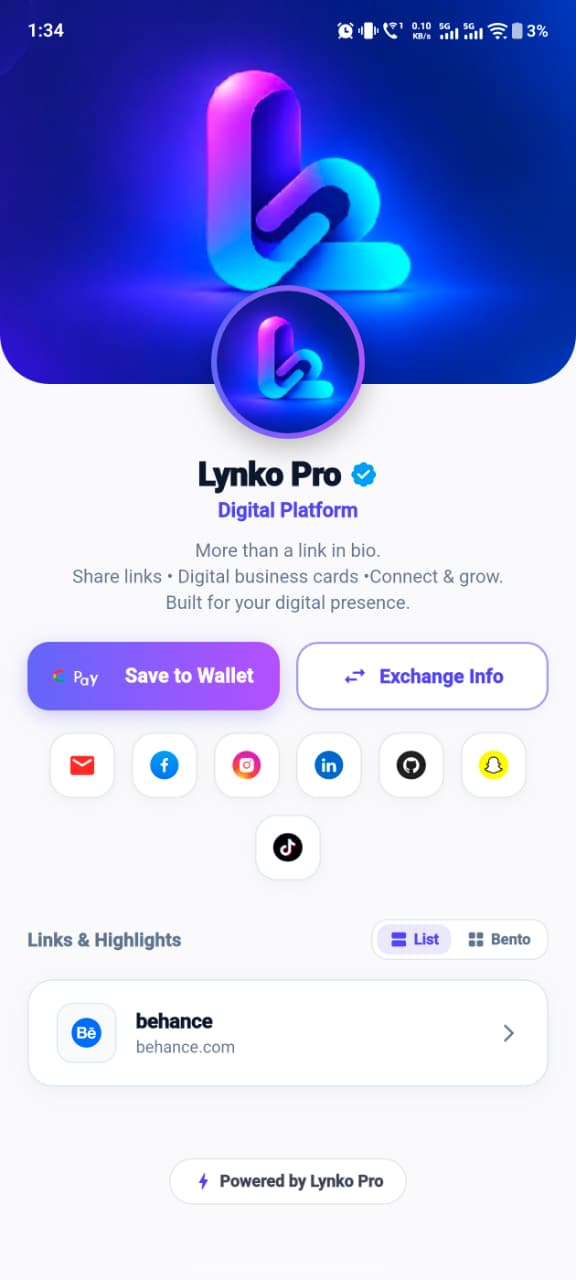
Instant Camera QR & Link in Bio
Share your verified card in seconds. Anyone with a smartphone camera can scan your QR code and view your full profile—no app installation, no accounts, and zero friction.
- Camera-ready scannable QR code
- Unlimited links, socials, and contact details
- Works on any iOS, Android, and web browser
Native Google Wallet Pass
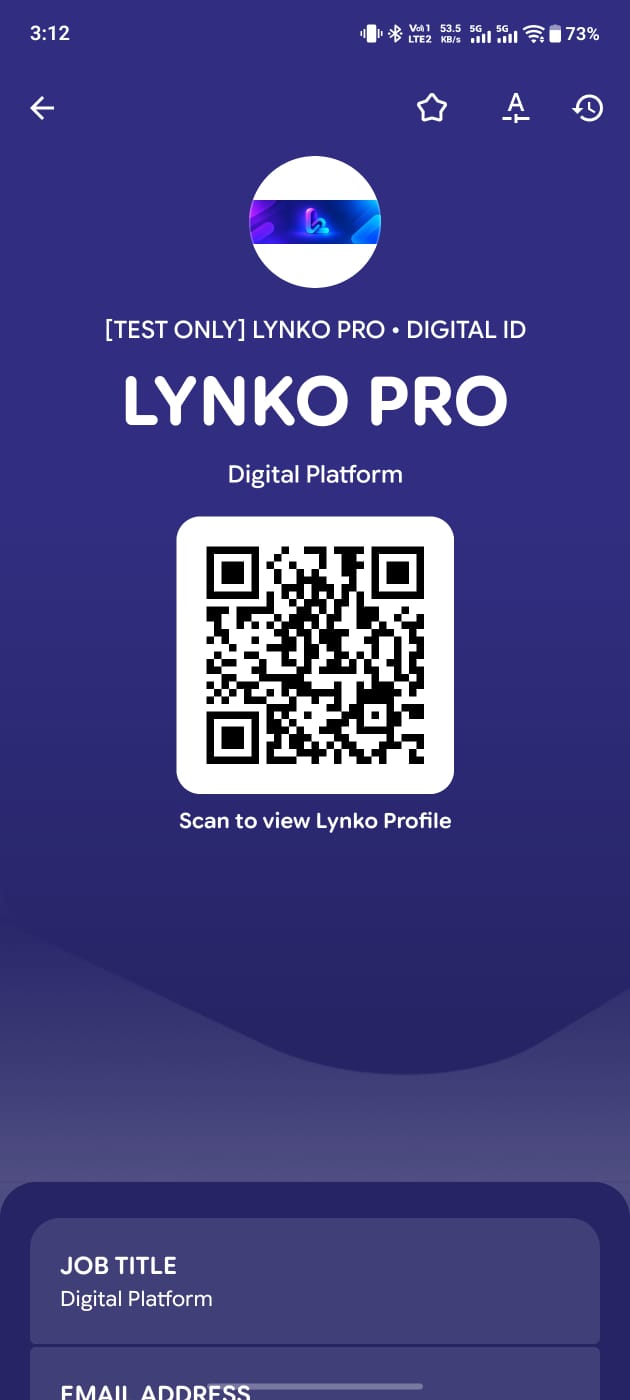
Save your digital business card directly into Google Wallet. Pull it up on your phone lock screen with a double-click of the power button, completely offline.
- Double-click lock screen quick access
- 100% offline functionality without internet
- Cryptographically verified Google Wallet pass
2-Way Contact Exchange
Networking is a two-way street. When a client views your card, they can tap "Exchange Info" to send their name, phone, and email straight into your Lynko CRM dashboard.
- Capture leads on the spot with zero typing
- In-app contacts inbox with timestamp
- 1-click export to CSV & your favorite CRM
Live Real-Time Analytics
Never wonder if your card worked. Track profile views, total link clicks, and engagement patterns in real time to understand which platforms drive the highest response.
- Total visits and individual link tap tracking
- Geographic breakdown & device statistics
- Measure networking conversion rates effortlessly
Explore Lynko Pro Up Close
Select any capability below to see the realistic Android app interface and understand how each feature empowers your daily workflow.
Carry Your Business Card in Google Wallet.
Never worry about dead batteries, spotty WiFi, or forgotten business cards again. Lynko Pro generates a certified Google Wallet pass that lives permanently on your phone's lock screen.
Double-Click Lock Screen Shortcut
Pull up your card in under half a second on Android devices without unlocking or finding an app.
100% Offline Connectivity
No cellular data? No problem. The Google Wallet pass stores your verified cryptographic QR code locally on the device.
Dynamic Cloud Sync
When you update your phone number, title, or links in Lynko Pro, the pass automatically refreshes in Google Wallet.
Why Switch to Lynko Pro?
See how Lynko Pro compares to traditional paper cards and generic link-in-bio tools.
| Feature | Paper Cards | Generic Linktree | Lynko Pro |
|---|---|---|---|
| Instant Camera QR Share | |||
| Google Wallet Pass | |||
| Lock Screen Double-Tap | |||
| Offline Ready (No Internet) | |||
| 2-Way Lead Capture (CRM) | |||
| Live Click Analytics | |||
| Environmental Impact |
Scan & Test the Live Experience
Point your phone camera at the QR code below or open the live link to experience the verified Lynko Pro profile card directly on your device.
Frequently Asked Questions
Everything you need to know about setting up, sharing, and managing your Lynko Pro card.
No! Anyone with a standard smartphone camera can scan your QR code. Your verified profile opens instantly in their web browser without downloading any apps or creating an account.
With 1 tap inside the Lynko Pro app, a cryptographically signed pass is added to your Google Wallet. You can access it anytime from your Android lock screen with a quick double-click of the power button, completely offline.
When someone opens your live profile, they can tap "Exchange Info". They simply enter their name, phone number, and email. The lead is instantly saved to your private Lynko Contacts Inbox, ready for 1-click CSV export into HubSpot, Salesforce, or Excel.
Yes. You have full control over your avatar, display name, professional headline, verified badge, brand color palette, and unlimited social links (WhatsApp, LinkedIn, Instagram, GitHub, custom URLs).
Yes! Once saved to your Google Wallet, your pass and scannable QR code live directly on your device storage. You can share your card on flights, underground subways, and crowded conferences without an internet connection.
Lynko Pro is officially available on Google Play. You can download and install the app to create your digital business card, generate your Google Wallet pass, and manage your contacts.
Never Lose a Valuable Connection Again.
Upgrade your handshake today. Download Lynko Pro on Google Play and start networking smarter with verified digital cards & native Google Wallet passes.